
How to connect Magento
Set up the Magento integration with RetJet step by step. Covers creating an API key and granting read-only permissions.
Magento 2 exposes its own API, which RetJet uses to read an order the moment a return is submitted. Access is set up as an integration in the admin panel, and the connection uses the token it generates (Access Token).
Generate an API key in Magento
- Go to the Magento admin panel.
- Choose ‘System’ > ‘Integrations’.
- Click ‘Add New Integration’.
- Enter a name for the integration and its security settings.
- On the ‘API’ tab, choose the ‘All’ permission.
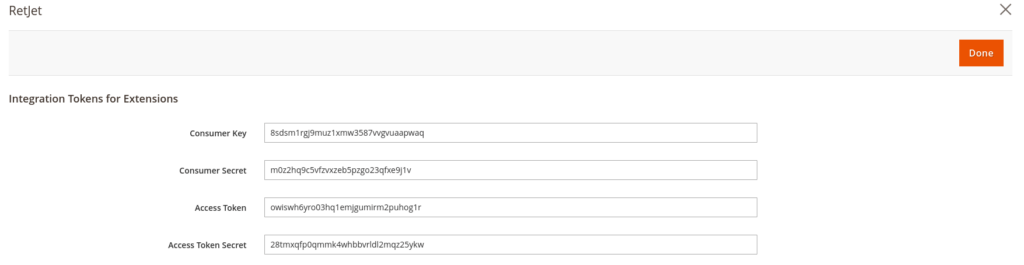
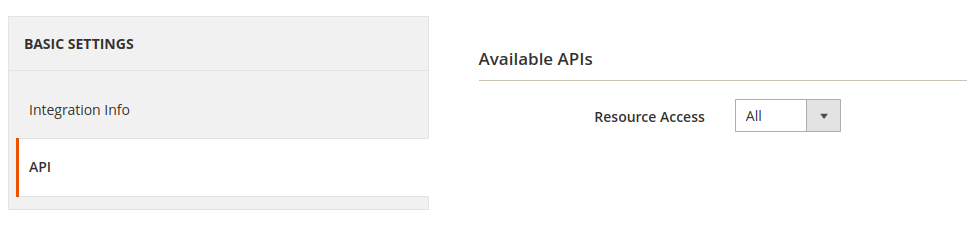 6. Choose ‘Save and Activate’ to get the API key.
 7. Use the ‘Access Token’ key to connect to RetJet.
Don’t have a RetJet account yet? Create a free account.